FabFilter Pro-Q 4.01 update released
Dec 17, 2024
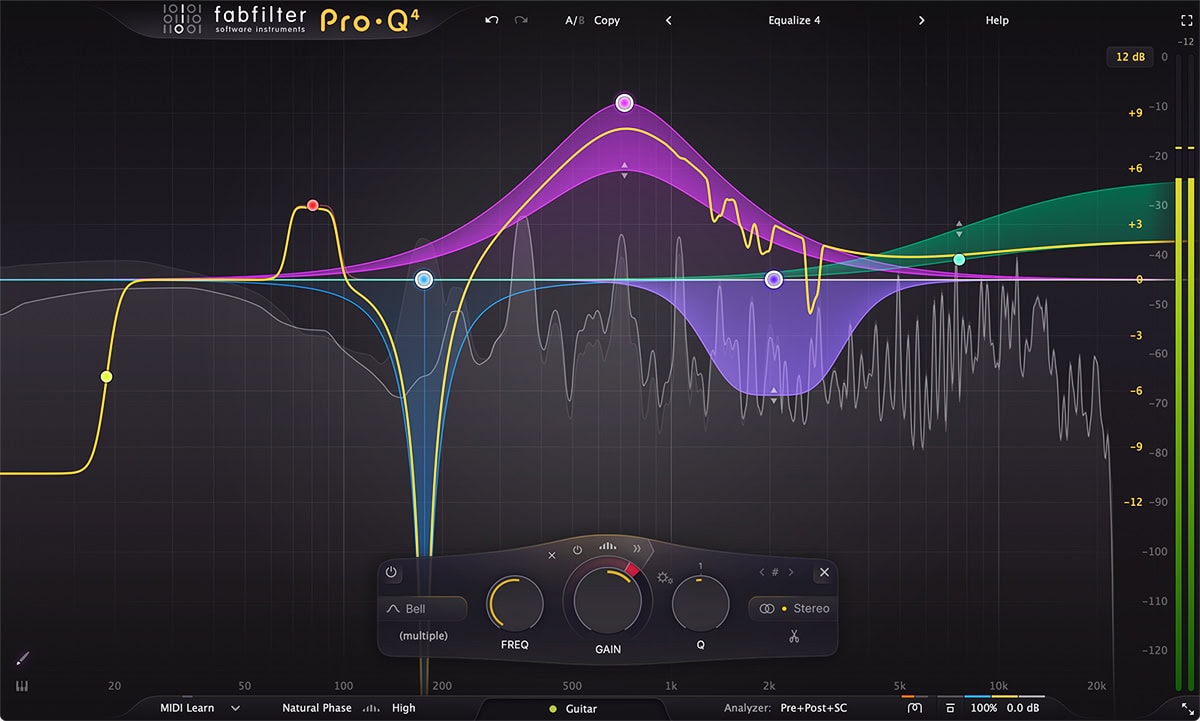
After releasing Pro-Q 4 last week, a few issues have surfaced that we wanted to fix as soon as possible in a 4.01 update. We recommend everyone to download and install this new version. You can verify the version number that’s currently installed by clicking Help > About in the Pro-Q 4 interface.
在上周发布 Pro-Q 4 后,一些小问题逐渐浮出水面而我们已尽快在这次 4.01 中修复这些问题。我们建议所有人下载并安装这次的新版本。你可以在 Pro-Q 4 的面板中通过点击 Help 菜单来了解自己所安装的版本号。
What has changed in Pro-Q 4.01?
4.01 有何改变?
- Fixed a crash when clicking on the display background or using EQ Sketch when the plug-in is bypassed.
修复了当插件在旁通形式下,点击其背景或或使用 EQ 绘制导致崩溃的问题 - Fixed a bug that could cause incorrect latency reporting in Cubase when using the Make Spectral menu option to turn a normal EQ band into a spectral band.
修复了当使用启用频谱将普通 EQ 频段变为频谱频段时,在 Cubase 中会出现错误的延迟报告问题 - Fixed a bug that caused side chain auditioning to stay on when going back to auto mode for a dynamic EQ band.
修复了当从自动模式切换回动态 EQ 频段时,侧链的监听却依然保持得问题 - Fixed a bug that caused spectral bands to continue to influence the output signal while dynamics processing was disabled for the band.
修复了当关闭当前频段的动态处理后,频谱依然会影响输出信号的问题 - Fixed a bug that could cause solo or audition on a mid or side band to produce sound only on one channel.
修复了当启用中央或双侧的频段 solo 或监听时会导致声音只出现在一个声道 - Fixed possible crashes on macOS 10.13.
修复了在 macOS 10.13 上潜在的崩溃 - Copying and pasting multiple bands now works correctly.
进行多个频段的复制与粘贴现在可正常工作 - The state of the Ext button in the analyzer panel is now saved for new instances.
分析面板中的 Ext 外部按钮状态现在可保存到新的进程中 - Corrected default analyzer settings in the Default Setting and Clean presets.
在默认设定和纯净预置中修正了默认的分析器设定 - Minor bug fixes and improvements.
微笑错误修订和其他改善